

dno
Radio Bob Approved
- Joined
- Oct 18, 2020
- Messages
- 118
- Thread Author
- #1

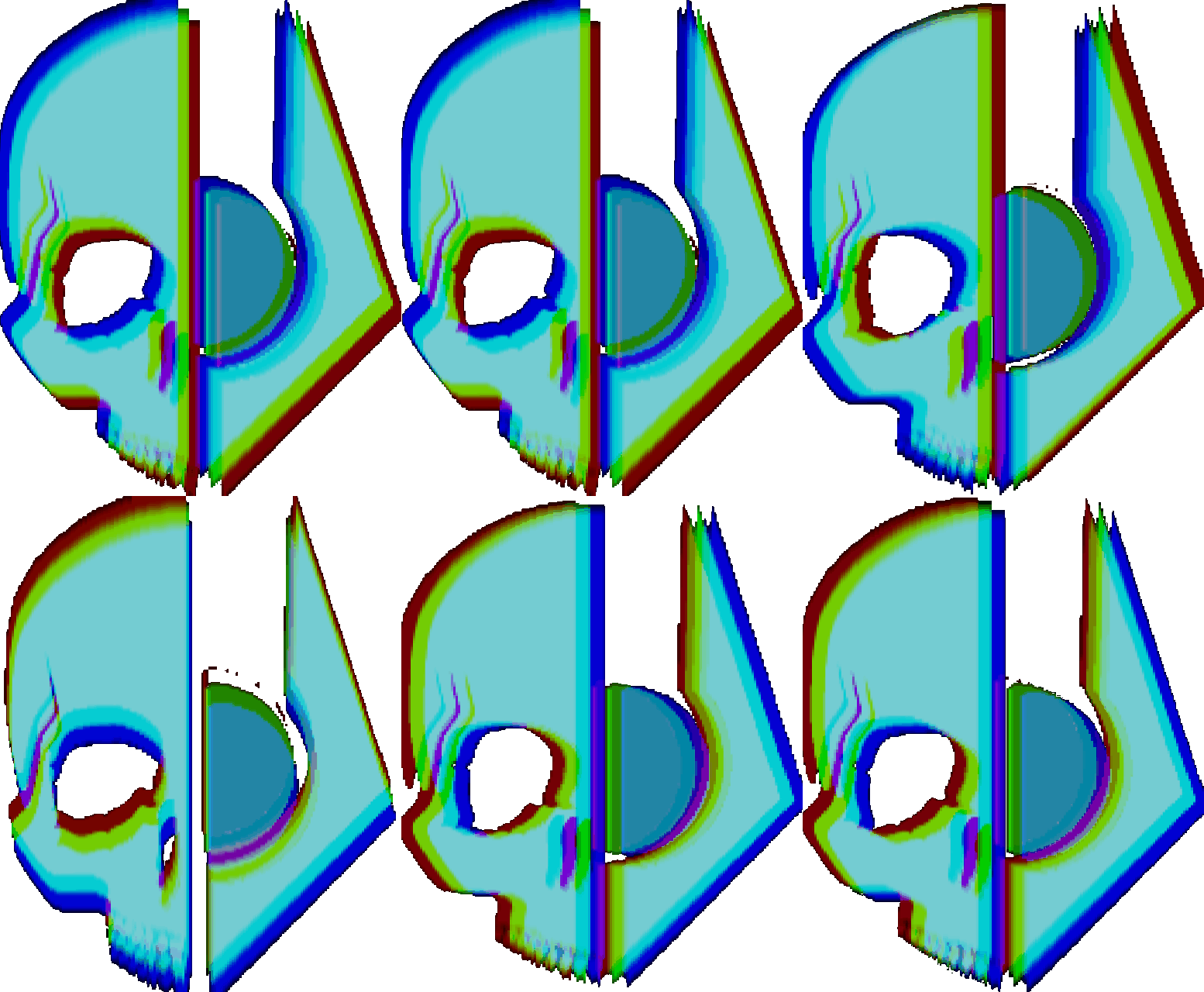
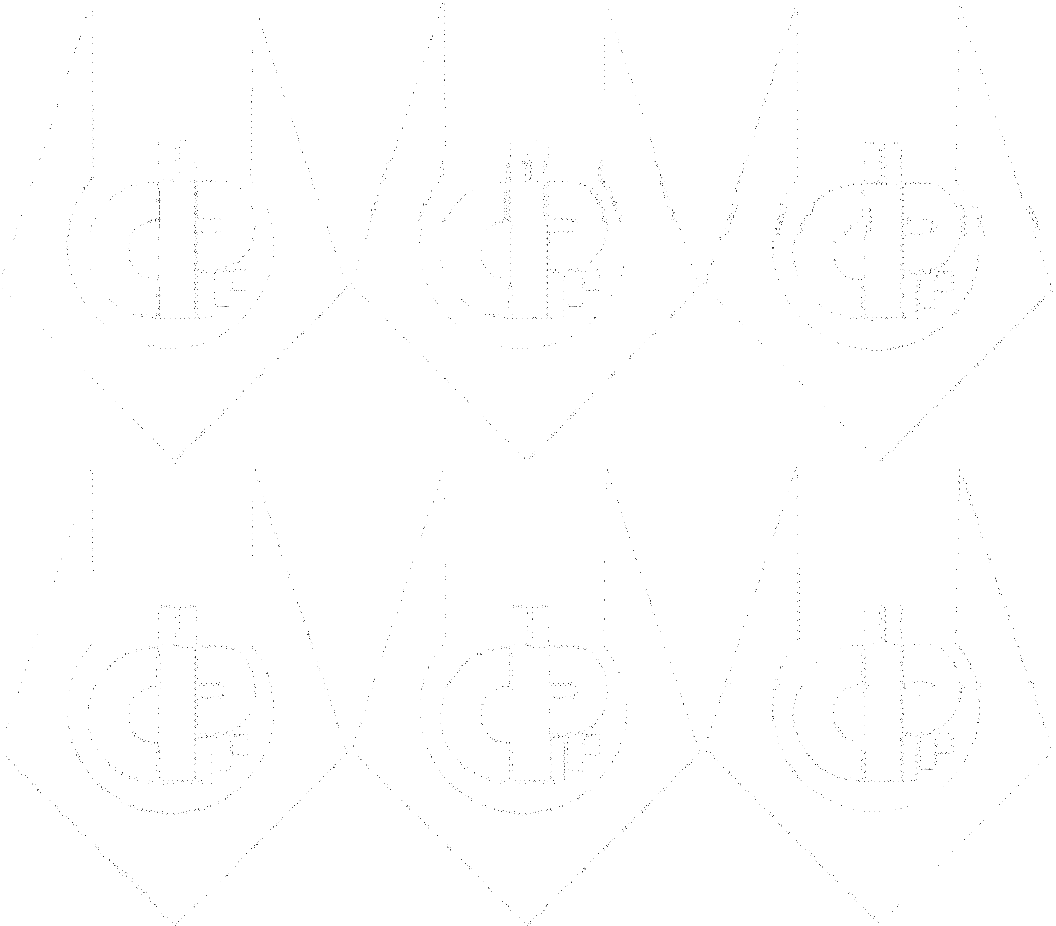
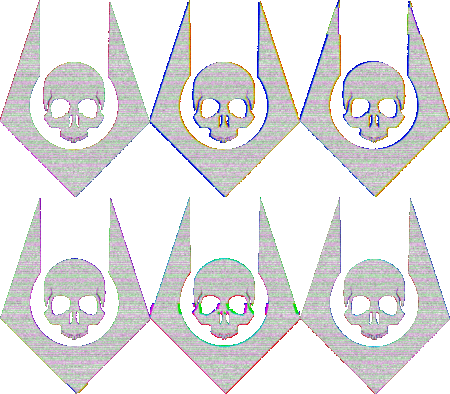
Some Basic Examples, create by myself
GIF Creation
Dno Tutorial
Dno Tutorial
Hello all, hope you're all well. This thread is a small tutorial on how to create animated GIFs for your needs inside the community and outside the community. The process is rather simple so I've broken it down into two steps...
1. The Image

| 1. Pick what you want for the GIF [In this example, the Lambda logo] |

| 2. Remove the background using a website/photo editor. [I used https://www.remove.bg] |

| 3. Make any changes to color, shape, size, that you want done before animating the image. ...In this example... I turned the logo white. Using Pixlr 
Free Online AI Photo Editor, Image Generator & Design toolGet creative with Pixlr’s online photo editing & design tools. Including AI image generator, batch editor, animation design, enhancer & more. Try now for FREE!
 pixlr.com
|
2. The Animation
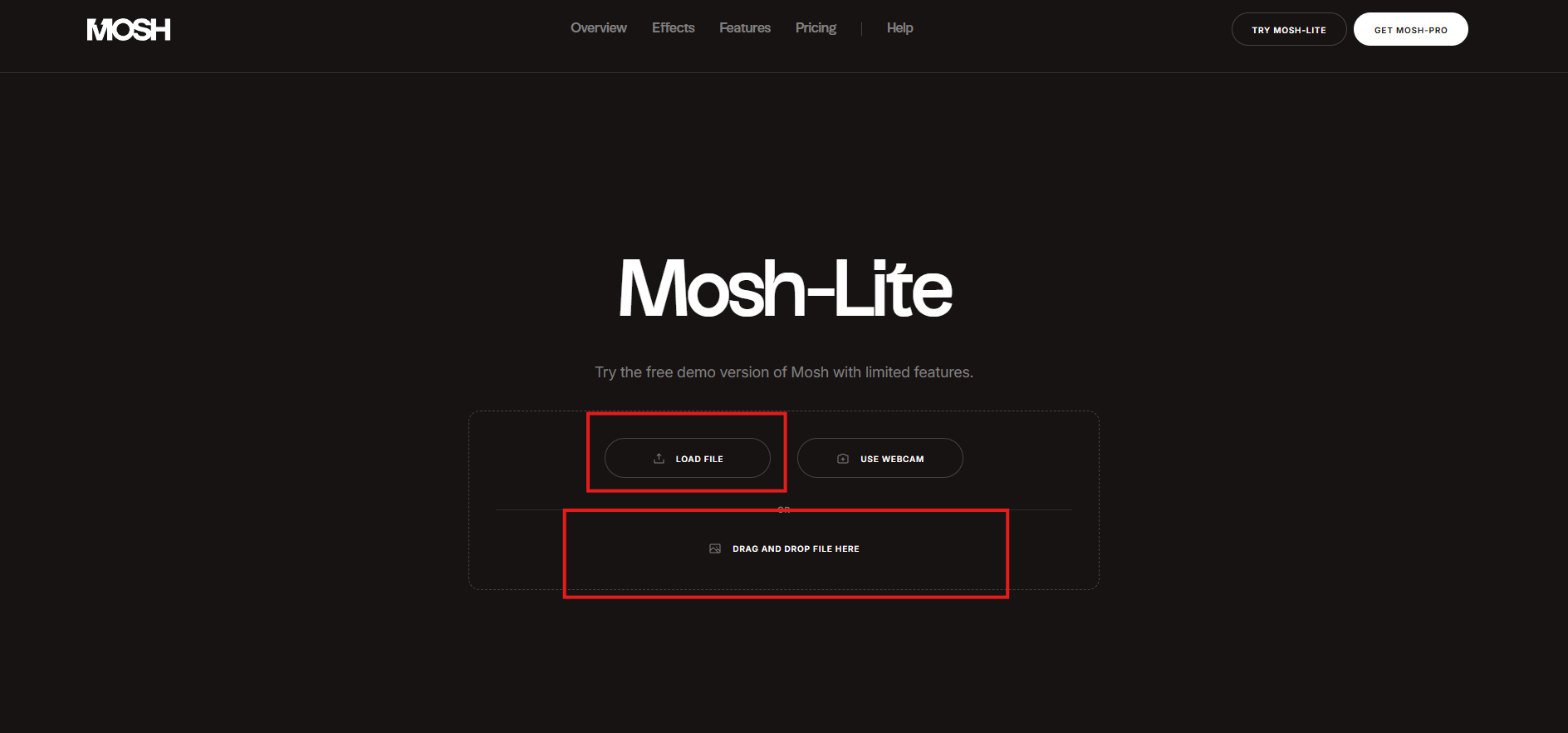
Open Image to See | 1. Insert your image into MoshLite 
Mosh-ProUnlimited creative real-time effects for image + video. Mosh-Pro is a fully featured desktop version of Mosh, including new effects, improved UI, high-res video export, modulators, audio-reactive effects and more.
 moshpro.app
|
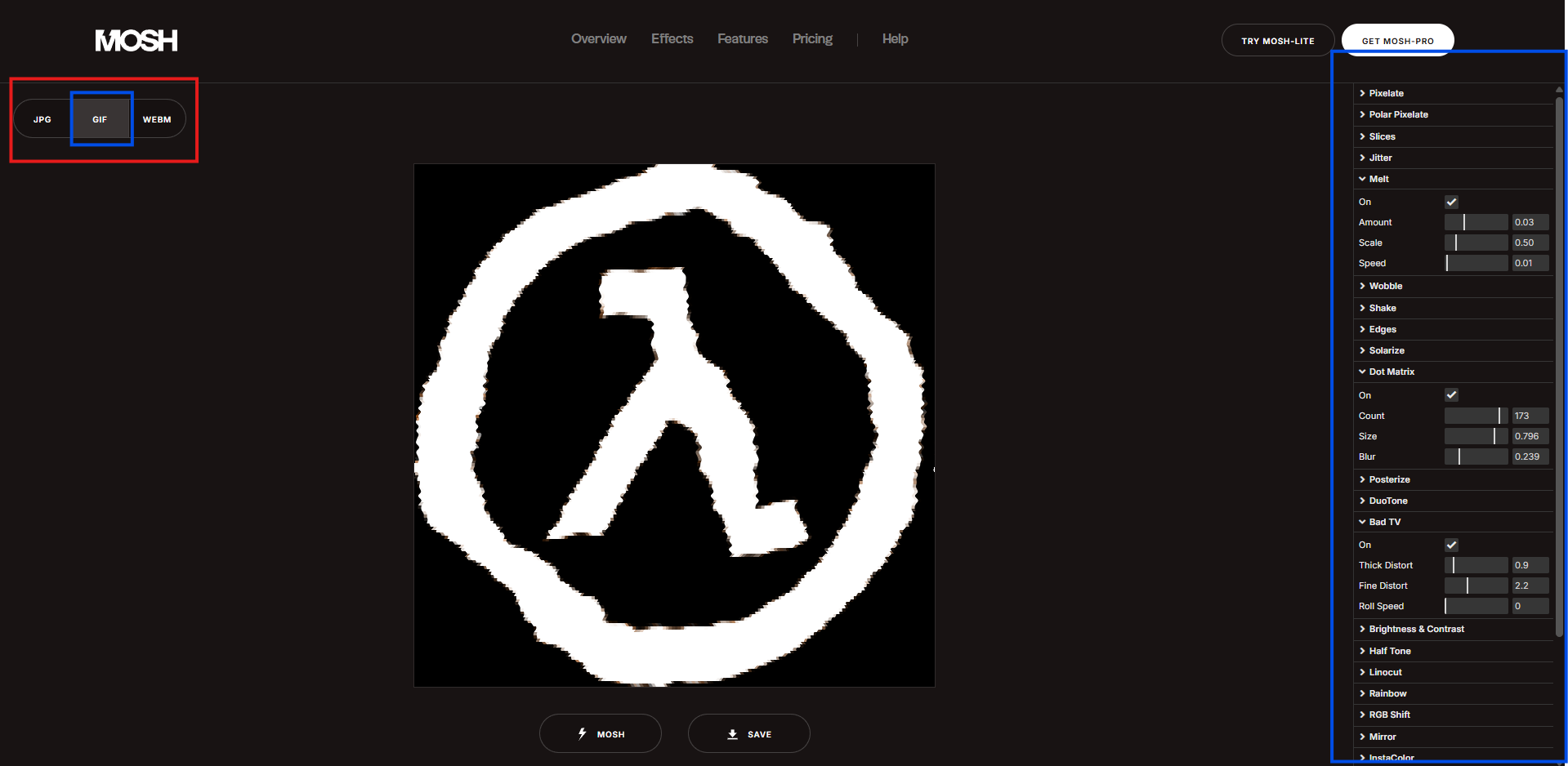
Open Image to See | 1. Select GIF, in the top left corner (The blue box in the red box) 2. Select what you'd like done to your image, to make it into the GIF you desire. There are many options with varying scales (Highlighted by the blue box), so you can get as creative as you'd like. |
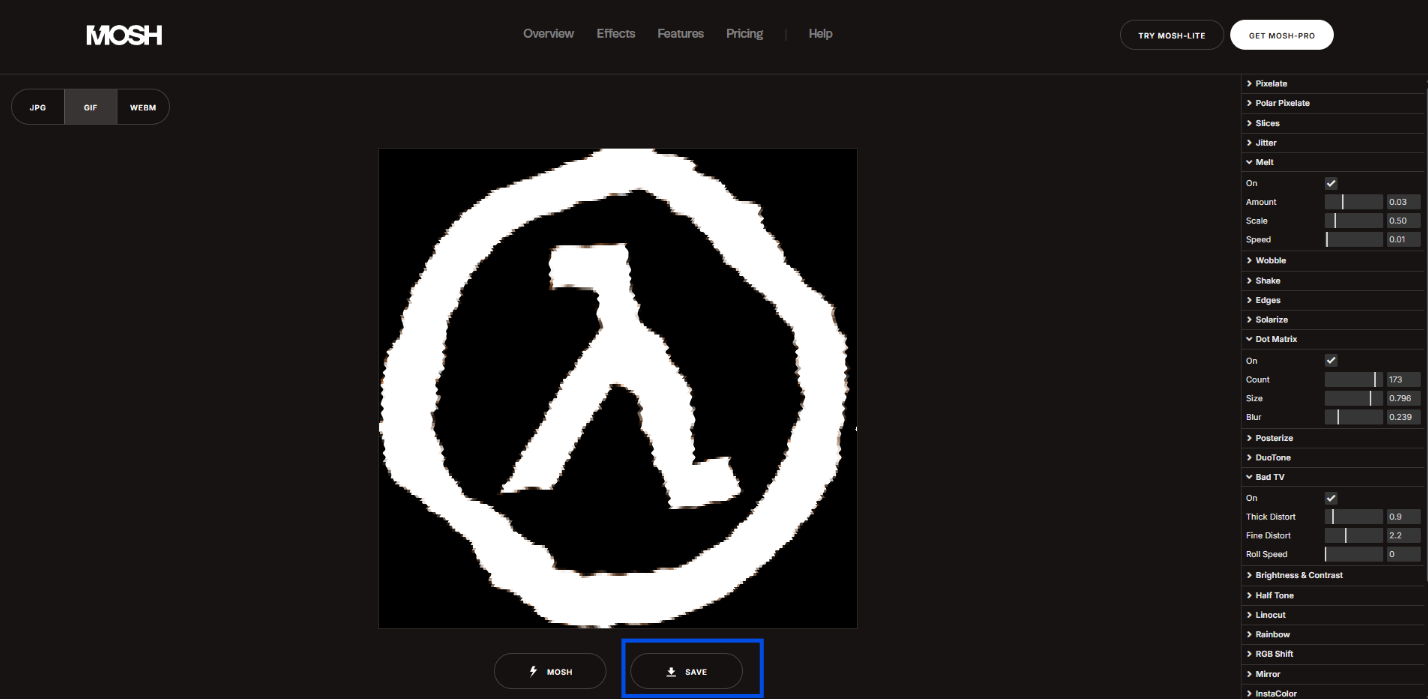
Open Image to See | 3. Save your Gif, with the save button at the bottom |

Open Image to See | 4. Remove the background of your GIF with the website below
5. Upload the image into the red box 6. Select the background color of the GIF, mine was black so I selected black |
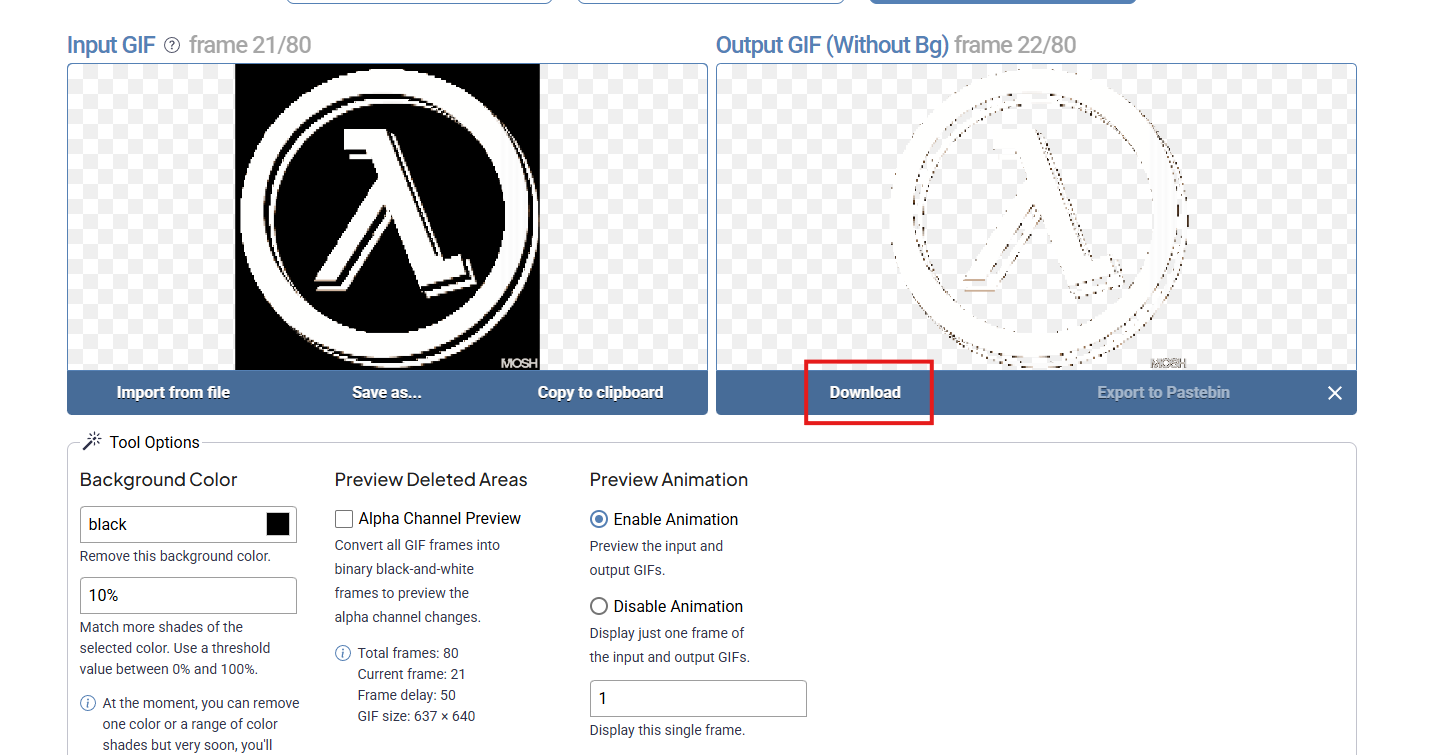
Open Image to See | 7. Save Your GIF |
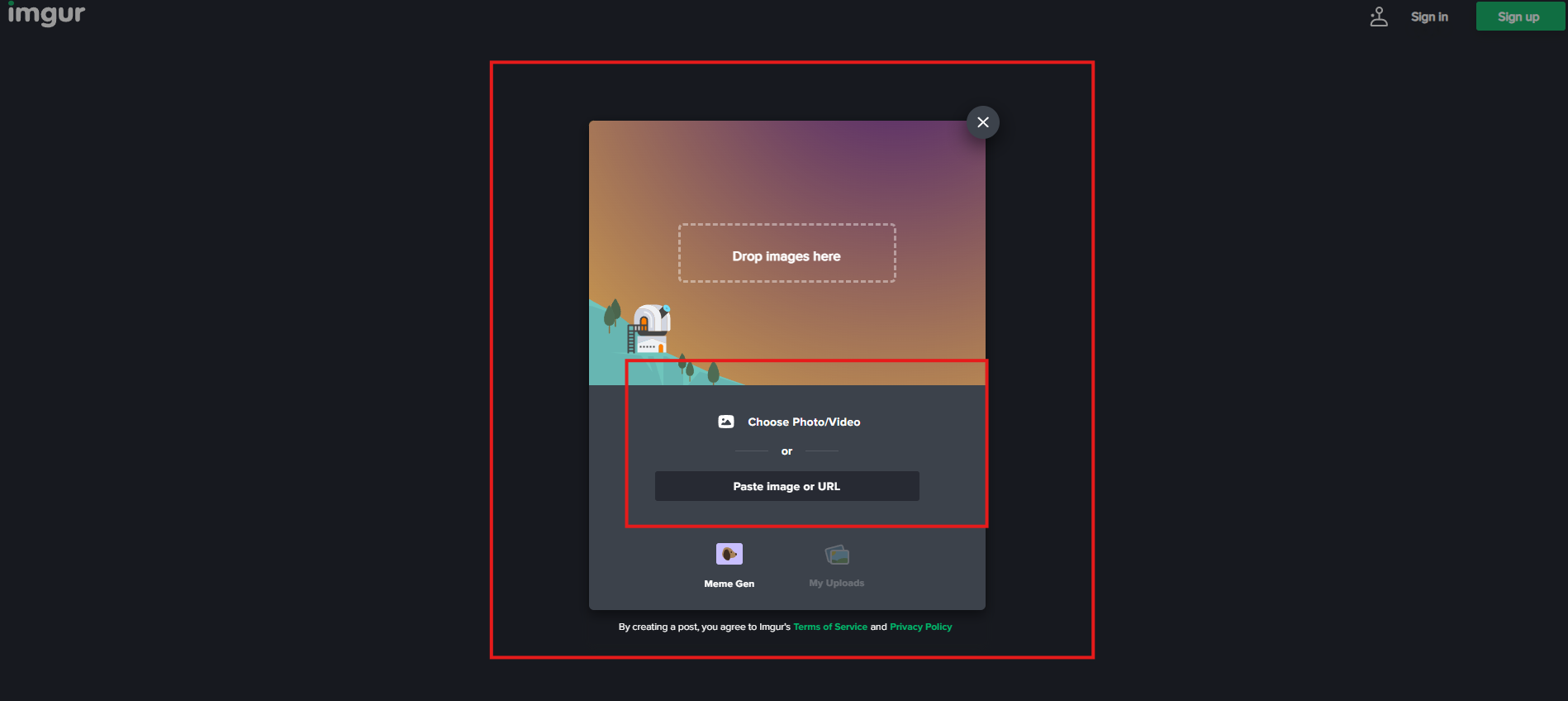
Open Image to See | 8. Upload to Imgur 9. Right click the image, then click copy image address. 10. You're done. |

Final Product
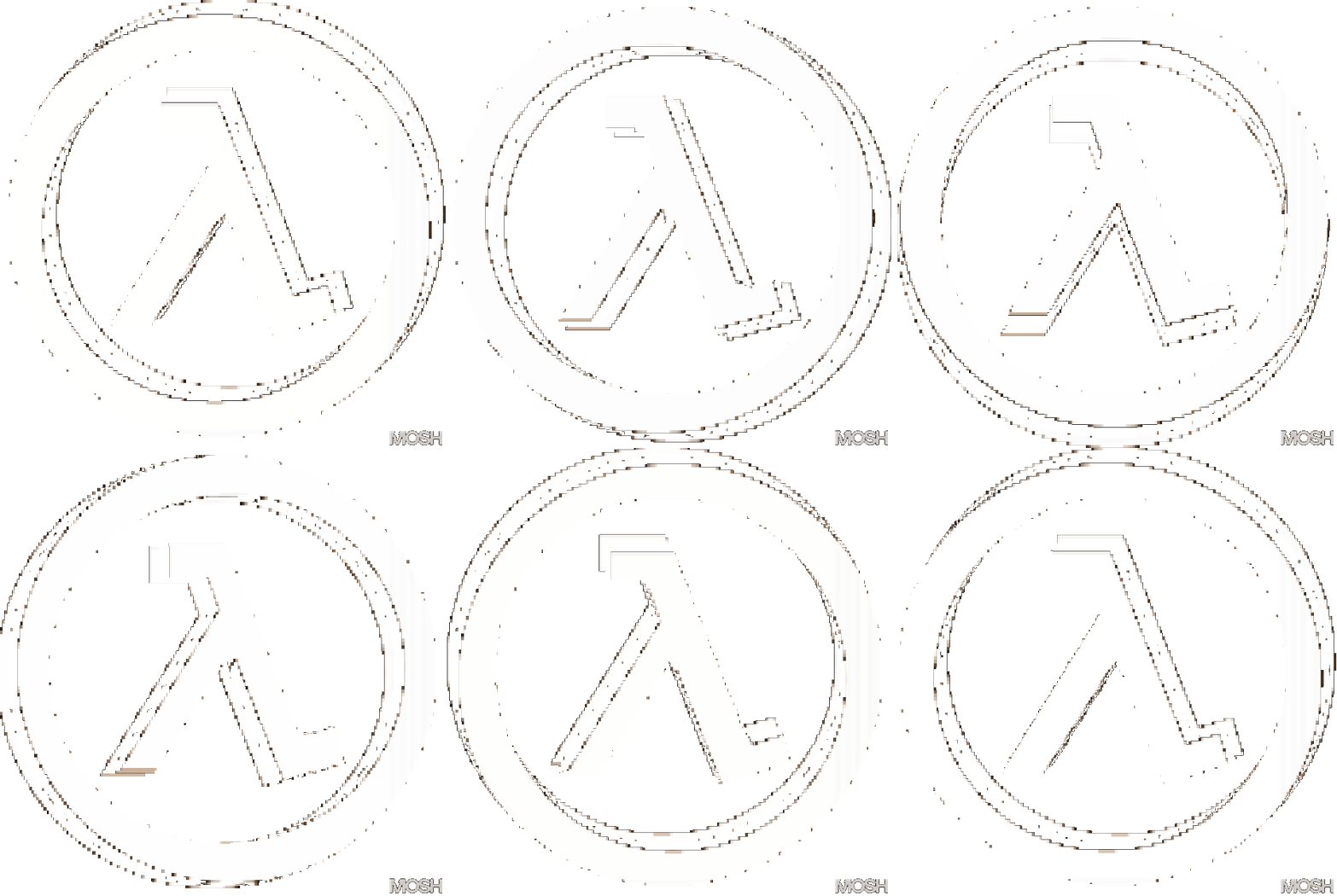
Note:
I am unable to teach you how to remove the watermark, you'll have to accomplish that on your own accord
If at any point you are stuck at or unsure of one of my instructions, please feel free to contact me through DMs or a reply, happy if you've learned something.


